Boundless Reader
Manga, manhwa, and light novels from your library.
iOS 15.1 iPadOS 15.1 macOS Android Sign-in optional


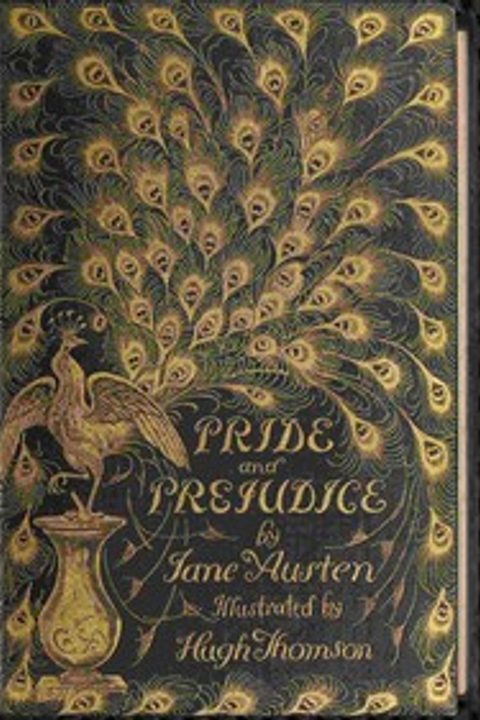
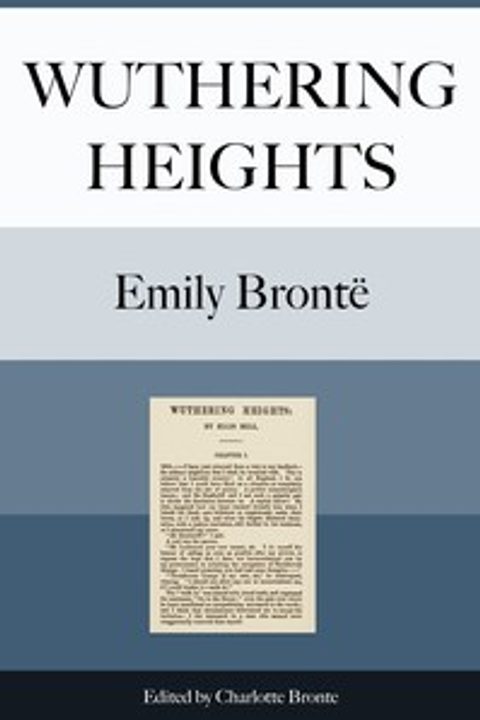
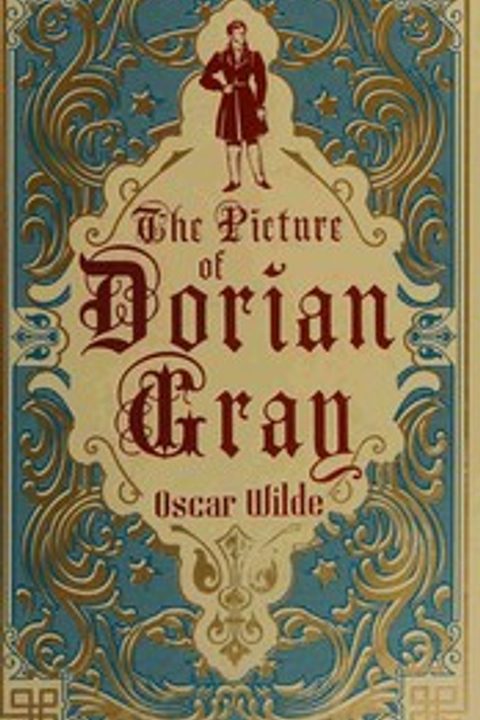
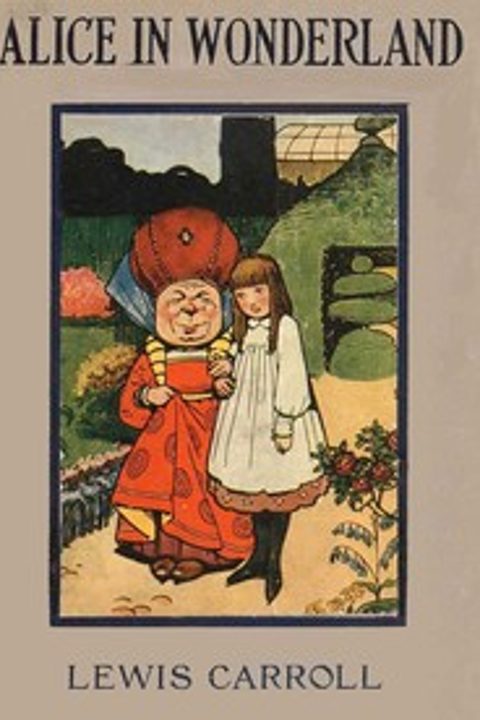









It ships empty
No catalogue, no store, nothing installed. Import files you own, or add a source repository and install sources from it, and that is your library.
Open your own files
Import a comic archive (CBZ, CBR, ZIP, RAR), an ebook (EPUB, MOBI, AZW, AZW3, PRC), a PDF, a text file (TXT, MD), or loose images (JPG, PNG, WEBP, GIF) with the Import Files button in the Library. It reads offline with the same reader, fonts, and themes as everything else, and needs no account.
Read the library you host
Komga is free server software for a comic and manga library you host yourself. The official repository has a Komga Demo source that reads Komga's public demo server; "Open the Demo Library" on the Browse tab takes you there. Reading your own Komga server is not supported yet.
What leaves the device
No telemetry, and no content server of ours in the middle: your device talks to sources directly. Your library, progress, and settings stay on the device unless you turn on iCloud Sync, which uses your own iCloud, or sign in, which starts syncing them to your account so you can pick up on another device. A tracker you connect, like AniList, gets progress for the series you track.
The Boundless page in Browse, before any source is installed. Nothing is listed until you add one.
Two readers
The comic reader does Long Strip (the default), Long Strip with Gaps, and Paged in three directions. Novels get their own prose reader. Both pick up where you stopped.
- Long Strip scrolling, with Infinite Scroll to run straight on into the next chapter
- Tap the sides to turn the page, the middle to hide the controls
- Auto-scroll at the speed you set; a long press stops it
- A prose reader for novels, with resume down to the exact position
The now-reading card: series, chapter, the auto-scroll button, and a scrubber with chapter skips.
Nine accents, nine ambient effects
Pick an accent and the whole app follows it. The home screen icon is a separate choice, on iPhone, iPad, and Android. An ambient effect is optional: snow, rain, stars, sakura, fireflies, hearts, embers, bubbles, or confetti drifting over the interface.
Accent colour, app icon, ambient effect, and display mode, one card each.
From the blog
Start reading
Install the app, add the official repository, and install Project Gutenberg: more than 70,000 public-domain books.
Bug reports, betas, and release notes go through the Discord. Join the Discord